GitHub Packages
GitHub Packages is a service provided by GitHub to manage packages. In simple terms, it allows us to publish libraries, frameworks, and Docker images. Specifically, this article focuses on using it to publish Docker images as an alternative to Docker Hub. You can find this section on your profile under the "Packages" tab. A key concept to keep in mind is the GitHub Container Registry (ghcr.io), which is the specific part of GitHub Packages used for hosting Docker images.
Authenticating with GitHub
You must have a GitHub account and generate a Classic Token. To do this, go to:
Profile -> Settings -> Developer Settings -> Personal Access Tokens -> Tokens (classic).
Name it something like "ghcr-login" and select the following scopes:
read:packageswrite:packagesdelete:packages
Important: Save the generated token in a safe place, as you won't be able to see it again.
Step-by-step guide to creating a GitHub token
Logging into ghcr.io
Open a terminal and run the following command (you must have Docker installed):
docker login ghcr.io -u <your-github-username> --password <your-token>Build your Docker Image
In the directory where your Dockerfile is located, run the following command to build the image:
docker build . -t ghcr.io/<username>/<image-name>:latestPublish the Image to GitHub Packages
Once built, push the image to the registry:
docker push ghcr.io/<username>/<image-name>:latestAfter the command completes, you can head over to the Packages section on GitHub to see your hosted Docker image.
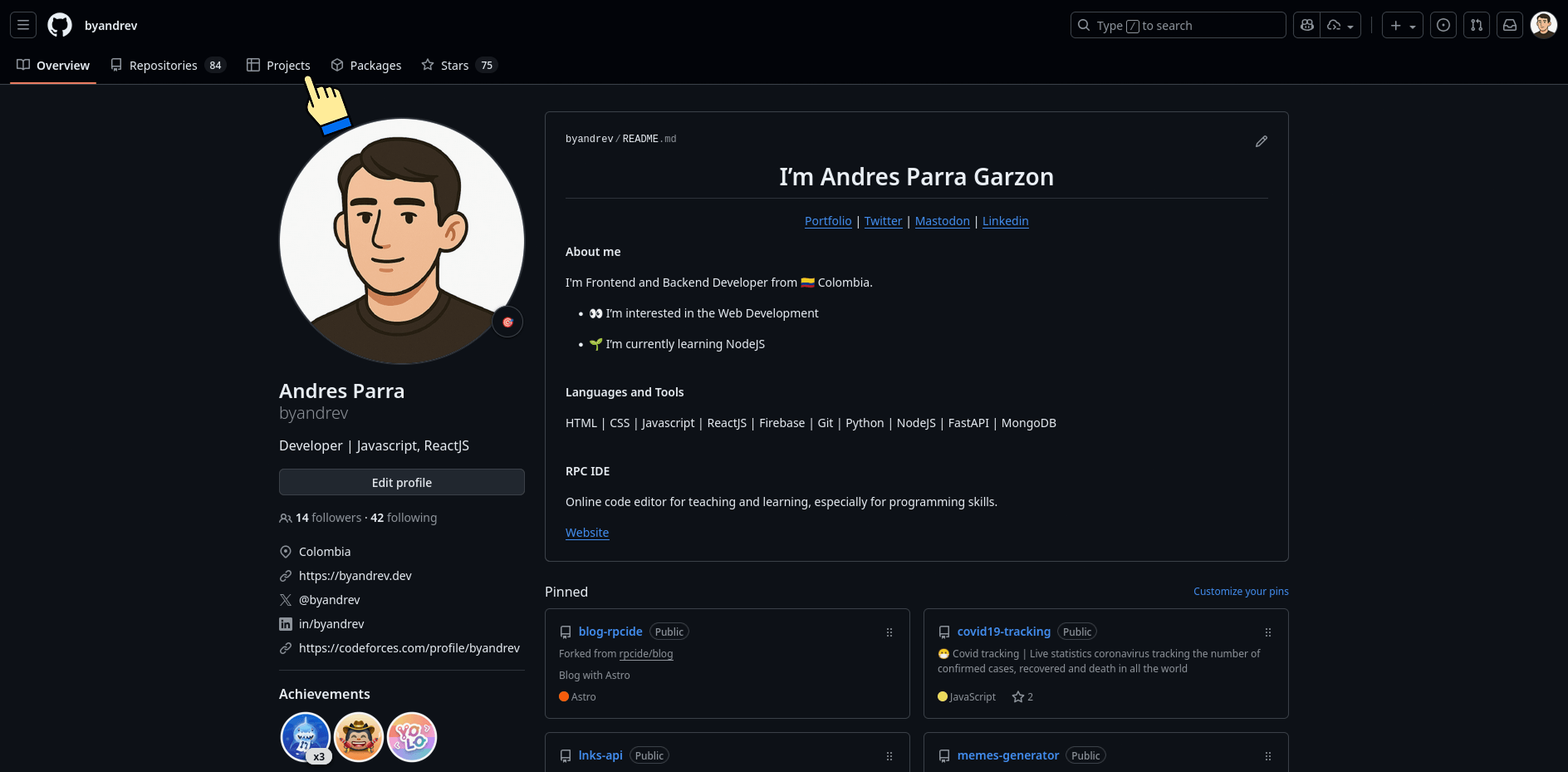
GitHub Packages Section