What is OpenCode and why is it special?
OpenCode is an open-source AI agent that you can use directly from your terminal. With over 120,000 stars on GitHub and more than 5 million developers using it every month, it’s not just an experimental tool—it’s a production-ready tool that you can use for free.
What makes it different from simply opening ChatGPT is that OpenCode understands your entire project. It can read your files, analyze your folder structure, make changes across multiple files at once, and revert them if something goes wrong.
Installing OpenCode
Open your terminal and run:
curl -fsSL https://opencode.ai/install | bash
For macOS with Homebrew:
brew install anomalyco/tap/opencode
If you are using Windows, the official recommendation is to use WSL (Windows Subsystem for Linux) for the best experience. If you already have WSL, the curl command above works perfectly. If you don't have WSL, you can install it via Chocolatey:
choco install opencode
Connecting an AI Provider (Free)
OpenCode is just the agent; it needs an AI "brain" to function (the model).
The easiest and free way to start is through Zen, OpenCode's own service. To connect it:
- Open OpenCode in your terminal by typing
opencode. - Once inside, type the
/connectcommand. - Select
opencodefrom the list. - Go to opencode.ai/zen in your browser.
- Create an account, add your payment method (there are free credits to start), and copy your API key.
- Paste it into the terminal when prompted.
OpenCode supports more than 75 model providers. If you already have API keys for Anthropic (Claude), Google (Gemini), or OpenAI, you can use them directly. You don't have to pay for anything new if you already have access to one of these models.
GitHub Copilot Pro for Free (as a Student)
GitHub has a program called GitHub Education specifically for students. If you study at a recognized educational institution, you can access it and get, among many other things, GitHub Copilot Pro completely free.
Verify your eligibility
To gain access, you need:
- A GitHub account (free).
- To be an active student at an educational institution (university, high school, or recognized bootcamp).
- An institutional email address (.edu, .ac, or your country's equivalent) or a photo of your student ID.
Request the GitHub Student Developer Pack
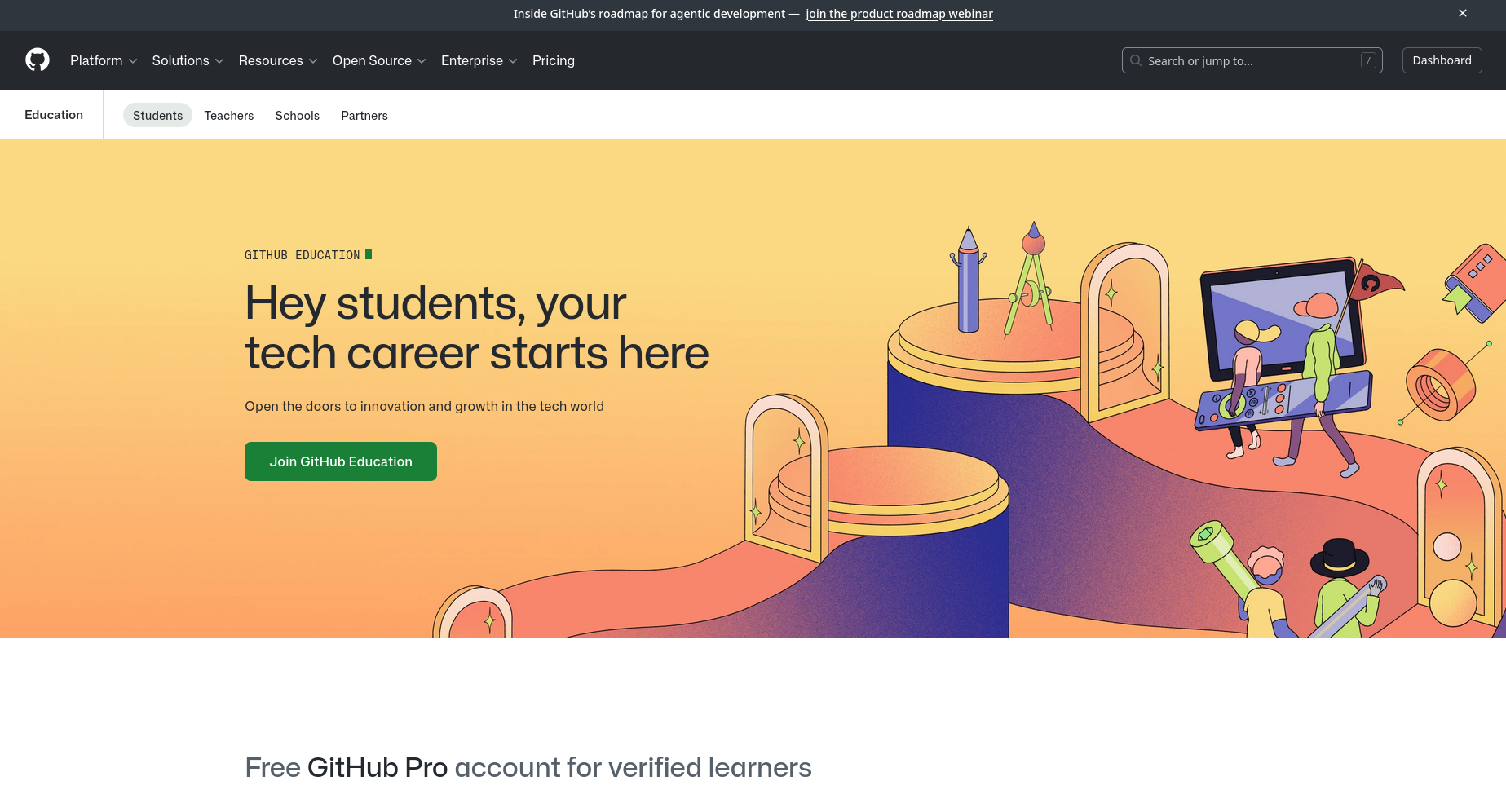
Github Education
- Go to education.github.com/students.
- Click on "Join GitHub Education".
- Sign in with your GitHub account.
- Select your educational institution and verify your status:
- With institutional email: GitHub verifies it automatically.
- With a document photo: Upload a clear image of your student ID or enrollment certificate. Manual review may take 1-5 business days.
- Wait for the confirmation email.
Activate GitHub Copilot Pro
Once your Student Developer Pack is approved:
- Go to github.com/settings/copilot.
- You will see that Copilot is available for free with your student account.
- Activate it from there.
Using OpenCode with GitHub Copilot Pro
- Open OpenCode in your terminal by typing
opencode. - Once inside, type the
/connectcommand. - Select GitHub Copilot from the list.
- Go to github.com/login/device in your browser.
- Enter the code provided by OpenCode.
Once connected, you can use the /models command to select the models offered by GitHub Copilot:
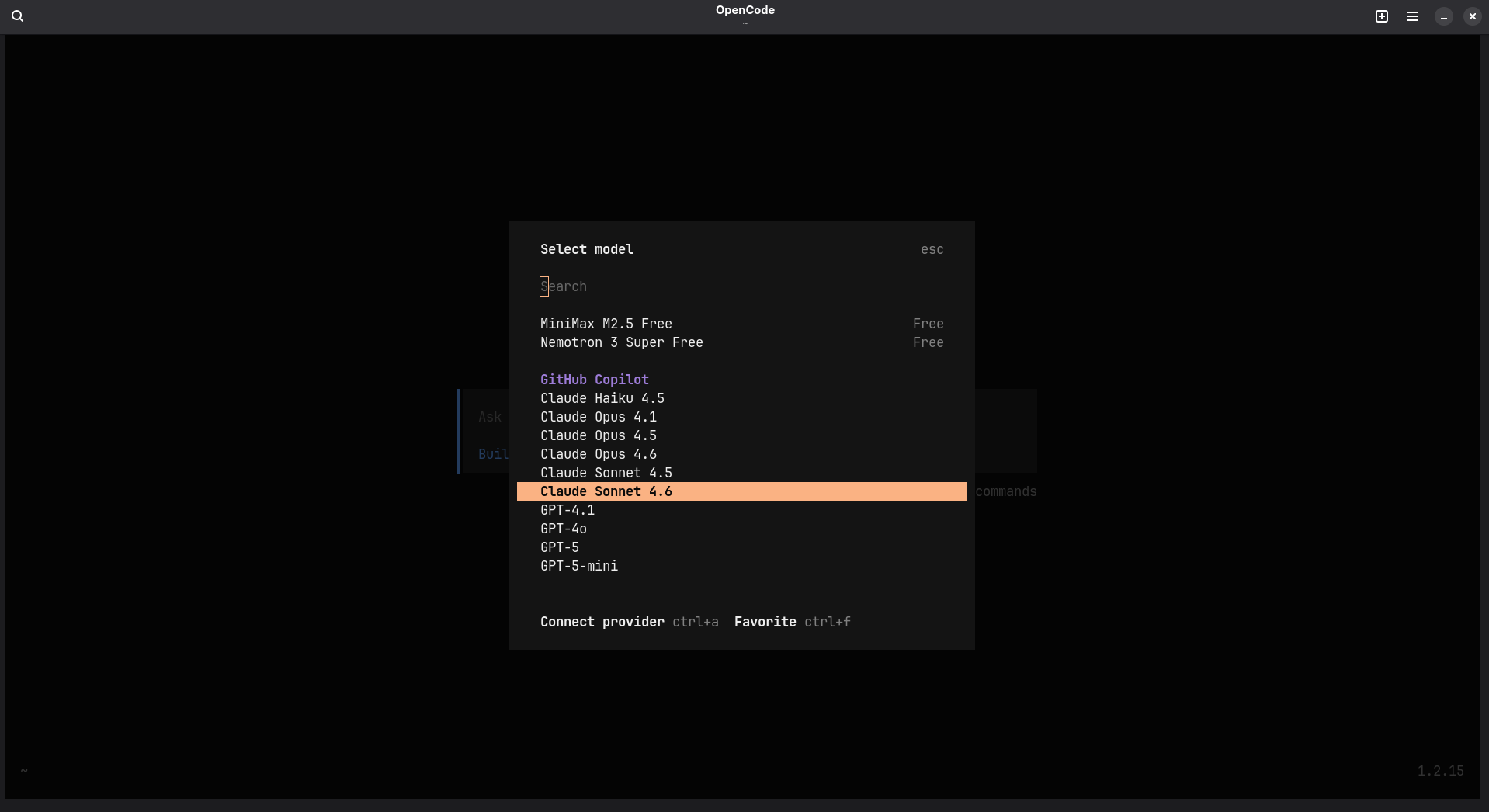
Some of the models offered by GitHub
I recommend checking the page github.com/settings/copilot/features, where GitHub provides information on how many of your free monthly tokens you have used. Also, keep in mind that certain models—usually newer ones—consume more tokens, so use them carefully.
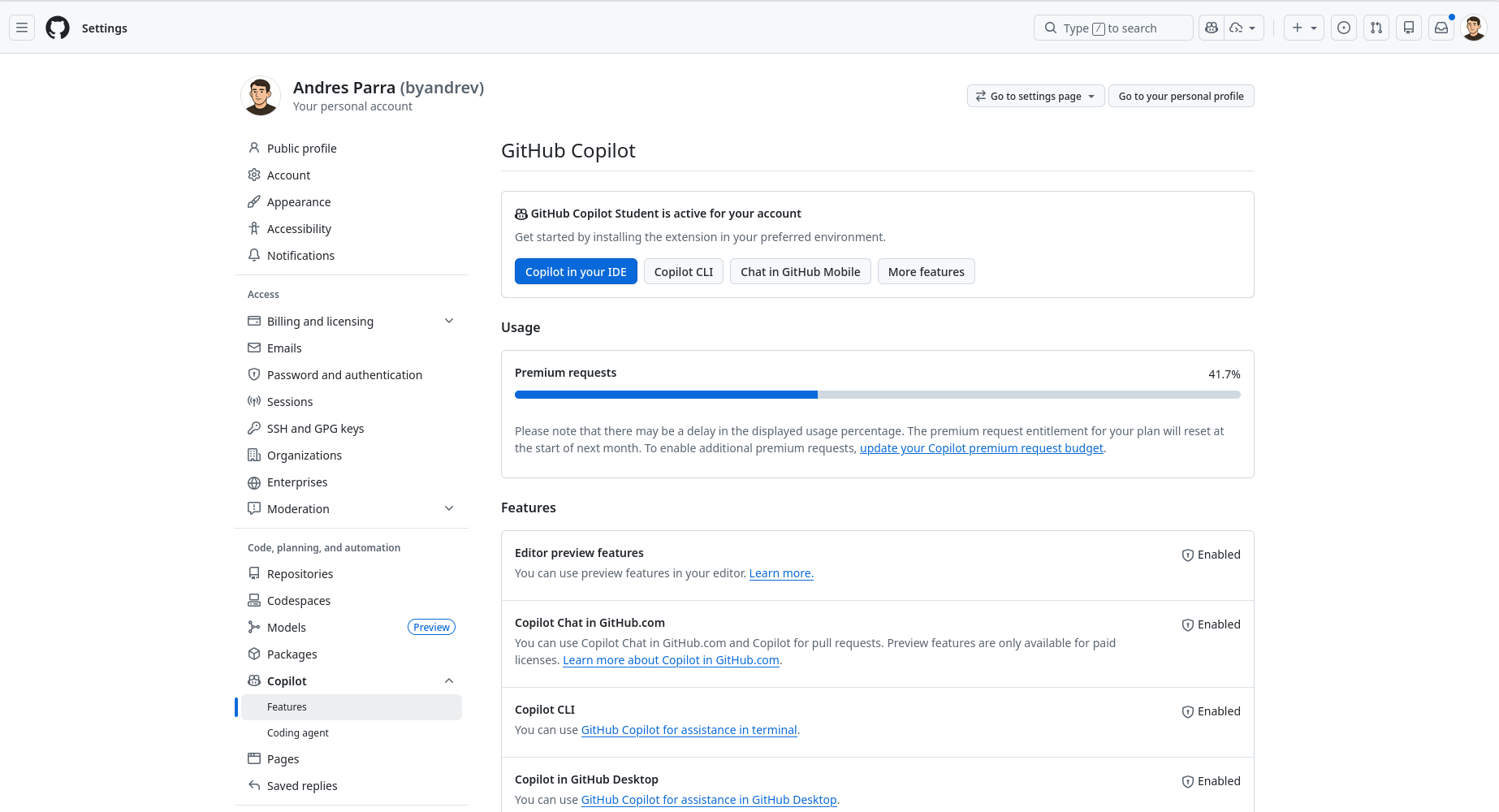
Token usage in GitHub Copilot Pro
Useful OpenCode Commands
| Command | What is it for? |
|---|---|
/init |
Analyzes your project and creates AGENTS.md |
/connect |
Connects an AI provider |
/undo |
Reverts the last change made by the AI |
/redo |
Redoes a change you previously undid |
/share |
Generates a shareable link for your session |
/@filename |
References a specific file in your prompt |
Tab |
Toggles between Plan mode and Build mode |
Plan Mode and Build Mode
In Plan Mode, the AI analyzes your request and proposes how it will make the changes without touching anything yet. Use this when you are not sure about what you are asking for. In contrast, in Build Mode (press Tab again to switch back), the AI executes the changes directly in your files.
You can also watch this tutorial in video format:
Additional Resources:
- Official OpenCode Documentation: opencode.ai/docs
- GitHub Education Students: github.com/education/students
- GitHub Copilot Docs: docs.github.com/en/copilot