
Blog

EN
Understand Aspect Ratio in CSS

Understand Aspect Ratio in CSS

2 min read

One of the fundamental elements in web interface design is the aspect ratio. In simple terms, the aspect ratio refers to the ratio between the height and width of an element, which can be images or videos.

Some of the most well-known aspect ratios are as follows:
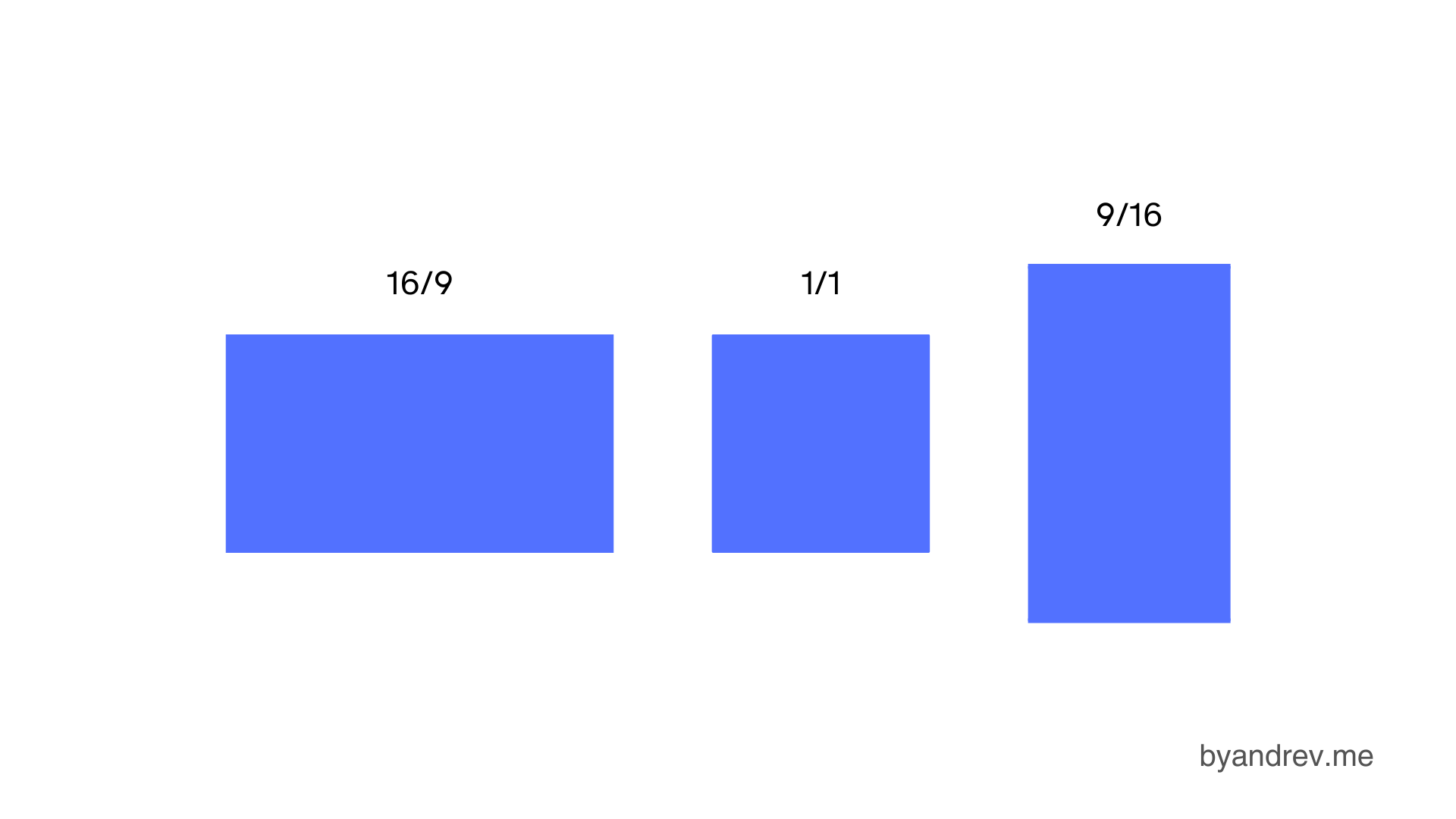
Most well-known and commonly used aspect ratios: 16:9, 1:1, and 9:16

In CSS

To define the aspect ratio of an element, you should do the following:

selector {
    aspect-ratio: width / height;
}

Keeping the aspect ratio on an image

.image {
    width: 100%;
    aspect-ratio: 16 / 9;
}

Accessibility

Using aspect ratio helps us avoid layout shift, which is a very annoying issue that often happens on websites. Layout shift refers to the unexpected movement of web content when elements are still loading.

Here is an example without the use of aspect ratio and another with this property. When the button is not used, it moves when the image loads. This is known as layout shift.

I hope this article has been useful in helping you better understand the concept of aspect ratio in CSS and that you will use it in your designs!

Share this article on

Avatar byandrev

Andres Parra

Software Engineer

I'm Andres Parra, Software Engineer passionate about developing scalable and innovative technological solutions. I specialize in building modern web applications, mastering a versatile stack that includes JavaScript, TypeScript, Python, and Java, along with frameworks like React, Next.js, and Spring Boot. I'm also interested in the latest technologies and tools for development.